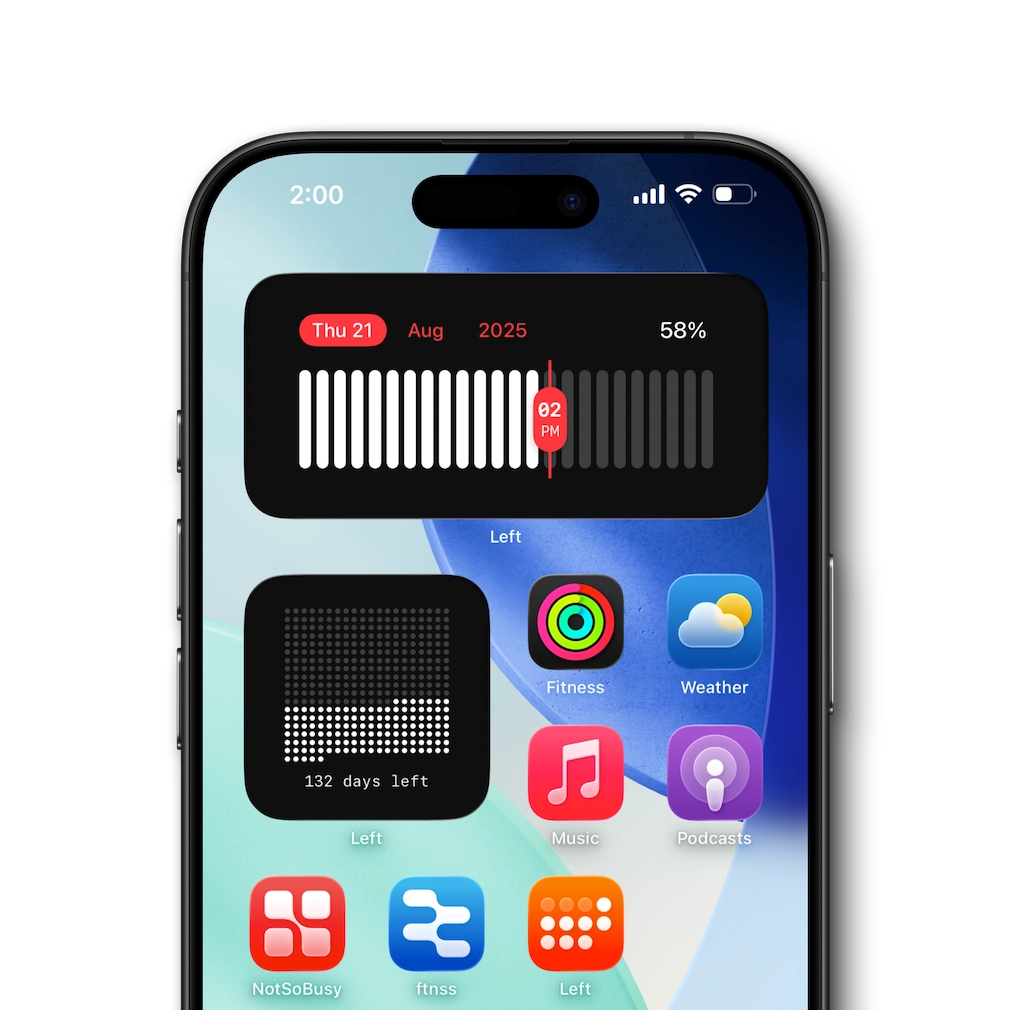
Year Progress Widget
See how far through the year, month, week, or day you are. The year progress widget makes time tangible with beautiful, glanceable layouts on your Home Screen.
Ready for iOS 26
Habit, Countdown & Life Widgets
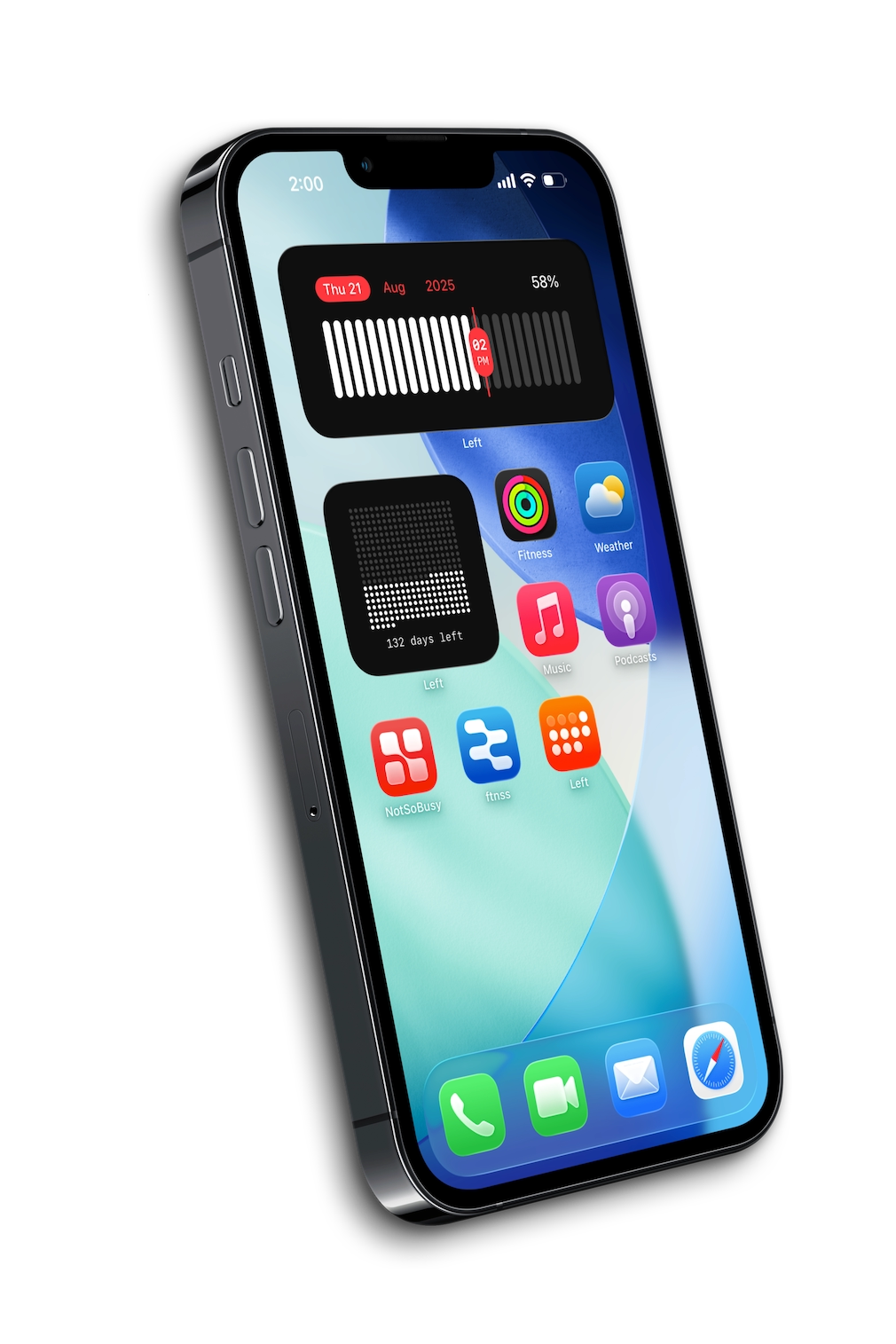
Track your habits, countdowns, and time left — right from your Home Screen. Left is a habit tracker, countdown widget, year progress, days since counter, and life-in-weeks app for iPhone. Beautiful widgets for everything that matters.


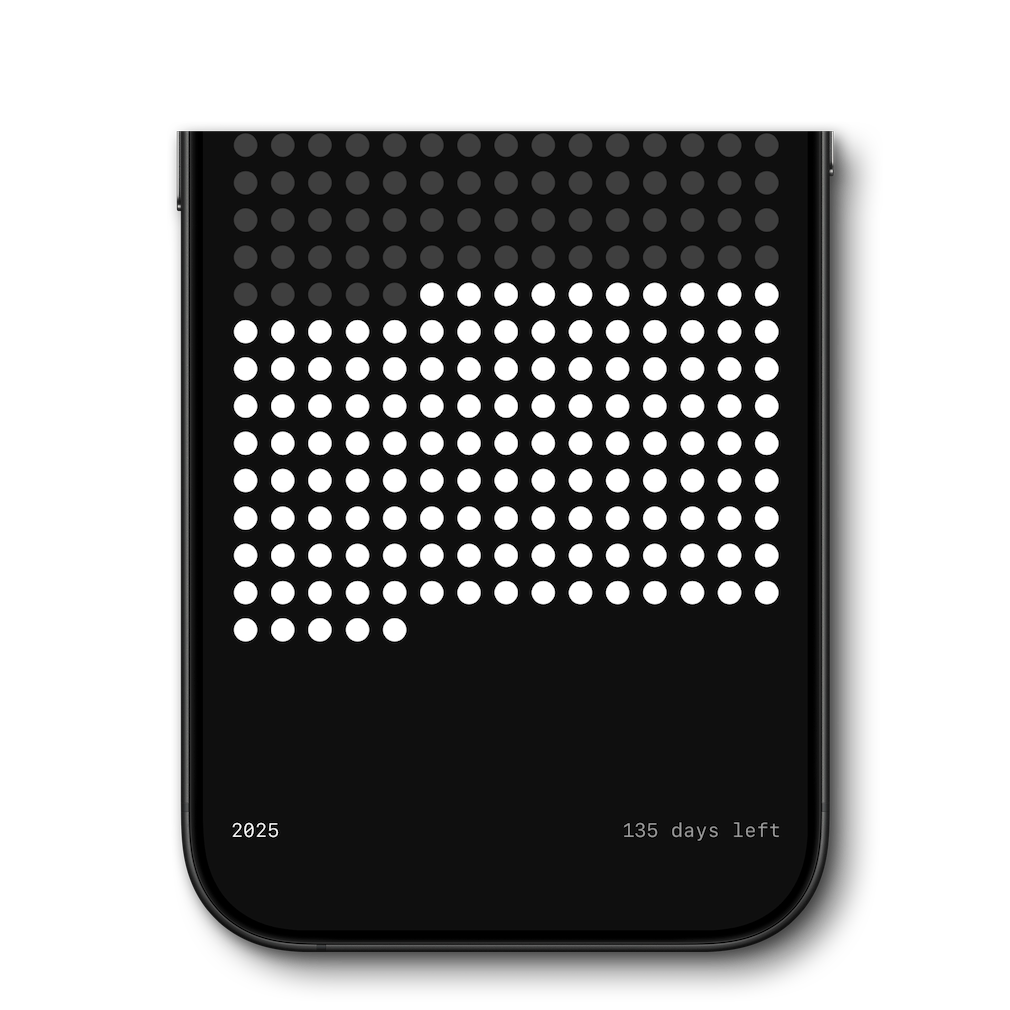
See how far through the year, month, week, or day you are. The year progress widget makes time tangible with beautiful, glanceable layouts on your Home Screen.
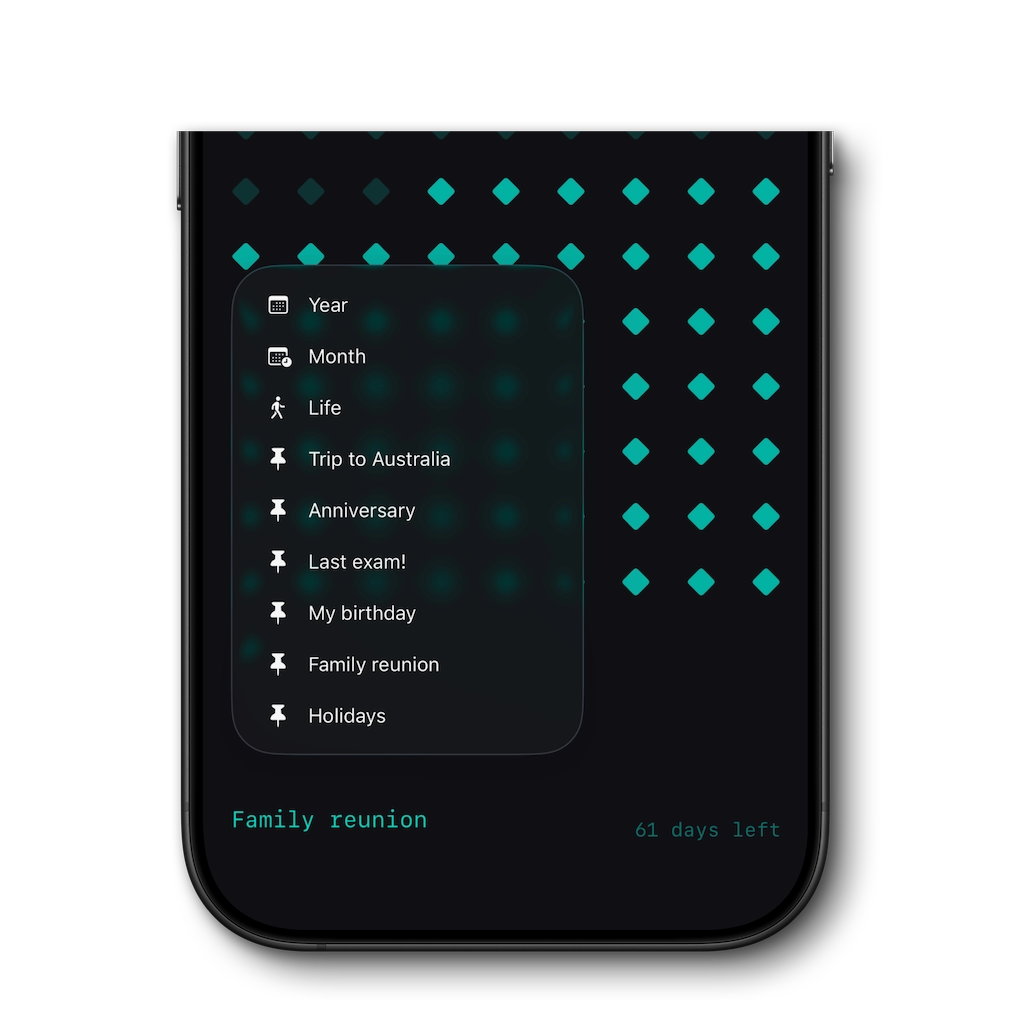
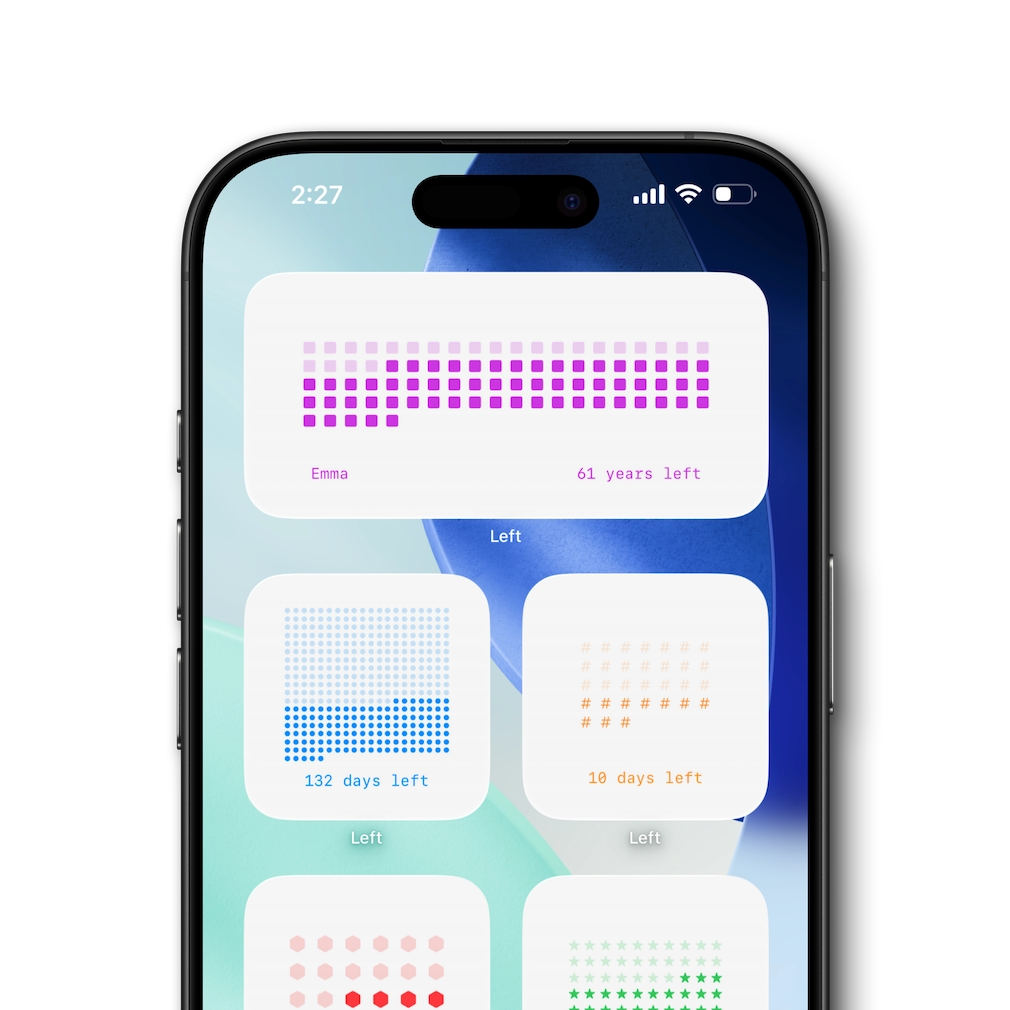
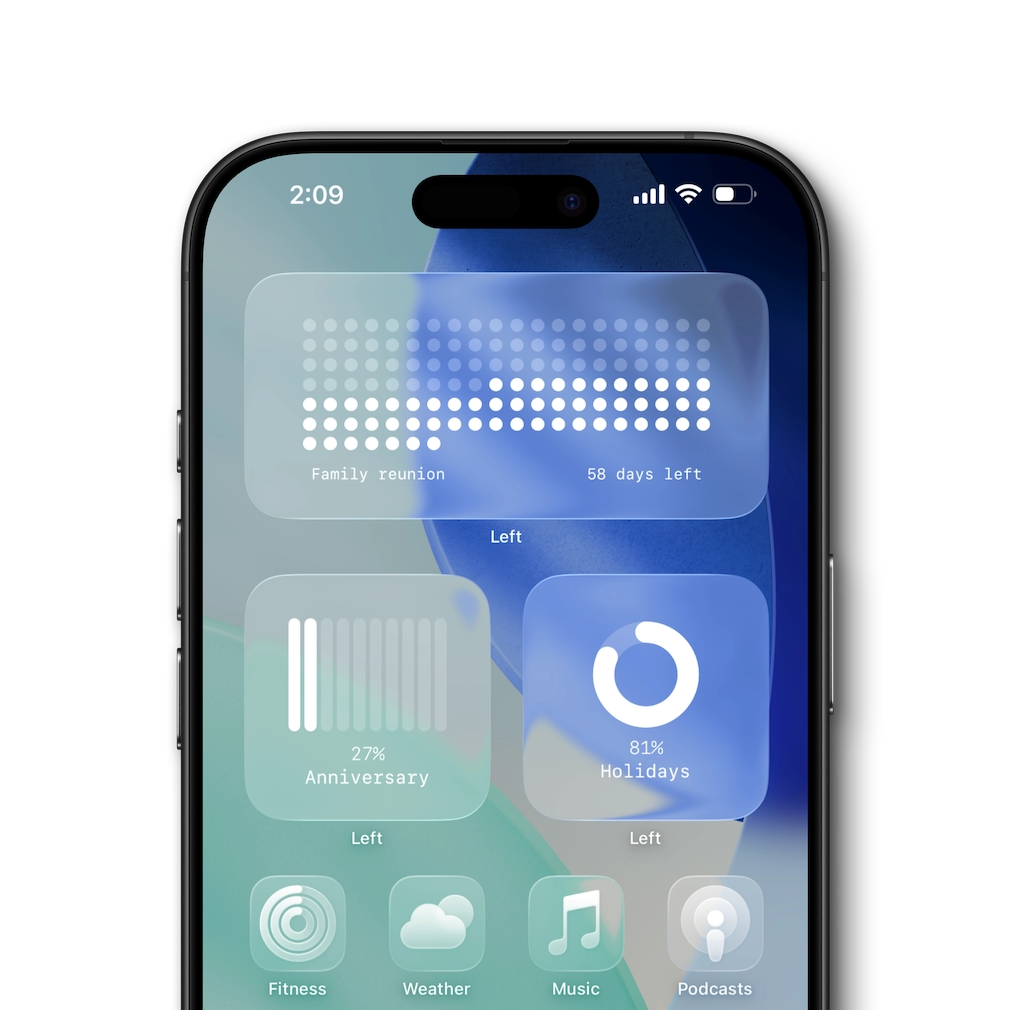
Choose from dots, stars, hearts, hexagons and more. Every countdown widget is fully customizable — change the background or use a glass effect to match your wallpaper.
Birthday countdown, vacations, holidays, weddings, and more. Set up to ten different special dates and visualise the time left with multiple countdown widget options at a glance.
Track your habits with daily, weekly, and custom schedules. Habit tracker widgets on your Home Screen, Lock Screen, and StandBy — also on iPad and Mac.
Track how many days have passed since any date. The days since counter includes automatic streak tracking and a minimal, beautiful Home Screen widget.
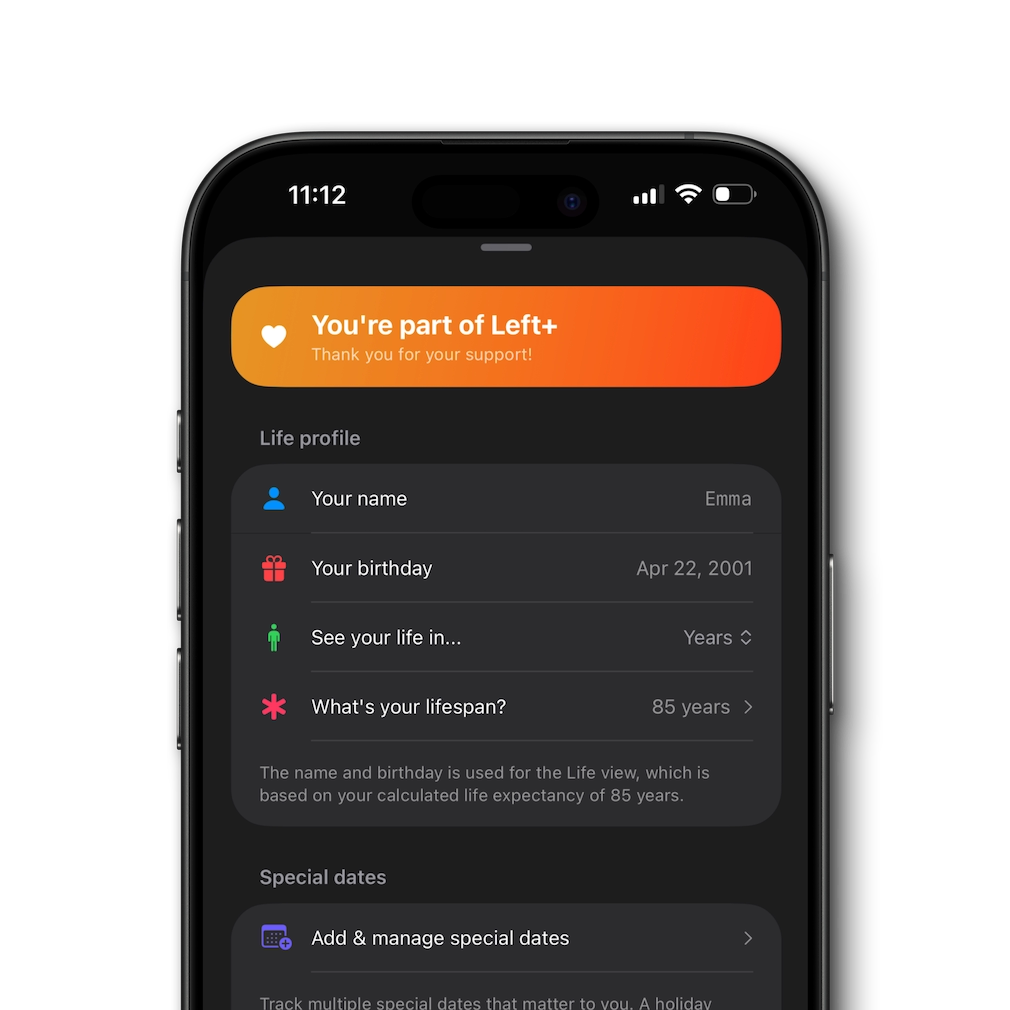
Visualise your lifetime in weeks, months, or years. A calm, stoic-inspired life in weeks view that makes time visible — calculate your life expectancy and see your time left.
Left is a habit tracker, countdown timer, and time awareness app — all in one. Widget-first with a one-time purchase, no subscriptions. With over 3000 widget combinations and full customization, it’s the most elegant way to track your habits, countdowns, and life.
Left is fully compatible with iOS 26. Keep your countdowns, time left, and year progress front and center with interactive widgets on the Home Screen, Lock Screen, and StandBy.
Prefer a translucent look? Left includes the option for all the widgets to be with a glass effect that subtly blur and tint to match your wallpaper, creating a calm, premium feel that fits perfectly with iOS 26.
See how far through the year you are with a clean year progress widget — great for planning, reporting, or simply staying mindful.
Glanceable time left widgets for the current day, week, or month help you pace work and avoid last-minute rushes.
Trips, weddings, product launches, exams, or personal goals — countdown widgets and birthday countdowns keep motivation high.
Visualise your lifetime in weeks, months, or years to focus on what matters. A calm, stoic life in weeks view that many users check daily.
Track daily habits with a habit tracker widget on your Home Screen. Use the days since counter to see how long you’ve kept a streak going.
Automatic streak tracking for habits — complete daily, weekly, or on custom schedules. See your streaks grow right on your Home Screen.
Left is a widget-first app for people who want a habit tracker, countdown widgets, year progress, and time left views at a glance. Track daily habits with streaks, count down to birthdays and events, and visualise your entire life in weeks. Fully customizable and built for the Home Screen, Lock Screen, and StandBy.
If you’ve looked at apps like Pretty Progress or HabitKit, Left combines the best of both — beautiful countdown widgets with a built-in habit tracker and days since counter. One-time purchase, no subscriptions. Choose symbols, colors, and layouts to match your style and keep your goals front and center.
Looking for a Pretty Progress alternative or a countdown widget for iPhone? Left focuses on elegant time left and year progress widgets with full customization and a simple, one‑time pay‑what‑you‑want unlock. No subscriptions.
If you want minimal design, fast widgets, and complete control over styles, symbols, and colors, Left is a great choice for Home Screen, Lock Screen, and StandBy setups.
100% worth it! Bonus for probably the fairest pricing model out there! It's rare nowadays to find a great app that only requires one time payment. Kudos to the developers! It has helped me keep track of important dates and time in my life in a creative way.
– Mark S.
I was looking for an app like this for a long time, but I was never able to find something this good. And when I came across this app, it turned out to be a hundred times better than what I was even looking for. The design is fabulous. The UI is terrific honestly, it’s beautiful as hell.
– Anna C.
To be aware of the time that is left it such a gift, and this app does that so, so well! Days left in a year, weeks left in a life, time left until you've spent 90% of the time with your kids. This app let you be grateful for the time we have.
– Joe K.
I just got the app less than a few hours ago but I’m giving it 5 stars because I don’t have to pay for a stupid subscription. One time payment for premium and that’s it!
– Avery M
The layout is just so simple, it’s like right to the point, it’s exactly what you expect from the app description.
– Timothy F.
Different but helpful way of showing your countdown. Also, the developer had an amazing taste while designing. Intuitive UI.
– Bogdan P.
I think this is a really amazing app. I’ve recommend Left to all my 3,000 followers and 600 Substack subscribers. Hope keep adding more and more features!
– Justine C.
I use Left to see the days left in the year and for a few event countdowns. The widgets are clean, flexible, and look great on my Home Screen.
– Ava R.
The life-in-weeks view is brilliant. It’s motivating without being noisy, and the styles are tasteful. Exactly what I wanted.
– Ollie B.
I track project milestones and personal goals with Left. Seeing time at a glance helps me plan better and stay calm.
– Edgar K.
After trying a few apps, I kept this one. Widget-first, no clutter, and updates keep making it better.
– Swadea D.
I track family birthdays and vacation countdowns. The different styles let me match each widget to the event.
– Nora R.
Minimal, fast, and thoughtfully designed. I love that I can keep it simple but still customize when I want.
– Aella F.
Everything feels considered, from the typography to the animations. It’s rare to find a small app this well made.
– Darren J.
Left makes time visible in a way that finally clicks for me. It’s become part of how I plan my week.
– Lisa S.
Left is free for most of the features and widgets. Only special dates and a custom lifespan are not free. Unlock everything with a one‑time, pay‑what‑you‑want purchase, choose from three prices and get the full app regardless of what you pay.
StandBy widgets can be added from the same customization flow.
Size is chosen when adding a widget. In the system picker, swipe to select Small, Medium, or Large, then tap Add Widget. You can long‑press the widget later to edit its settings and style.
iPad: touch and hold the Home Screen → tap + → search for Left → choose size → Add Widget.
Mac: right‑click the desktop and choose Edit Widgets (or open Notification Center and click Edit Widgets) → search for Left → drag a widget into place.
iOS manages widget refreshes to save battery. Apps request updates, but the system decides when they occur. Opening Left updates widgets immediately; otherwise, refreshes happen on a schedule within the system’s budget.
Left is ready for iOS 26 and works on all compatible iPhones. You can also add widgets on iPad and Mac.
Over 15 widget styles in multiple sizes, six color themes, and a range of symbols, each widget is fully customizable.
Life expectancy is estimated using Apple Intelligence and multiple factors such as age, gender, activity, sleep, country of birth, and more.
Yes. Widgets work offline and data stays on your device. See our Privacy page for details.
A Year Progress widget shows how much of the current year has passed (or is left). It’s perfect for planning, reviews, and staying motivated across long‑term goals.
Yes. Left is a time left app that visualizes the remaining time for days, weeks, months, years, and your lifetime, plus countdowns for events and habits.
Left offers similar functionality with a widget‑first approach, minimal design, and a one‑time pay‑what‑you‑want unlock. If you want countdown, time left, and year progress widgets with full customization, Left is a great alternative.
Yes. Left includes a habit tracker with daily, weekly, and custom schedules. Track habits with streak widgets on your Home Screen and see your progress at a glance.
A days since counter tracks how many days have passed since a specific date. Left's days since feature includes automatic streak tracking and a Home Screen widget to see your progress without opening the app.
Yes. Left tracks streaks automatically — habits complete based on your schedule and reset only if you choose. Streak and habit widgets are available for your Home Screen, Lock Screen, and StandBy.